Why your website visitors aren't becoming leads

Ken Smith
Before you buy more traffic, check whether your page gives the right visitor a clear, relevant reason to take the next step.
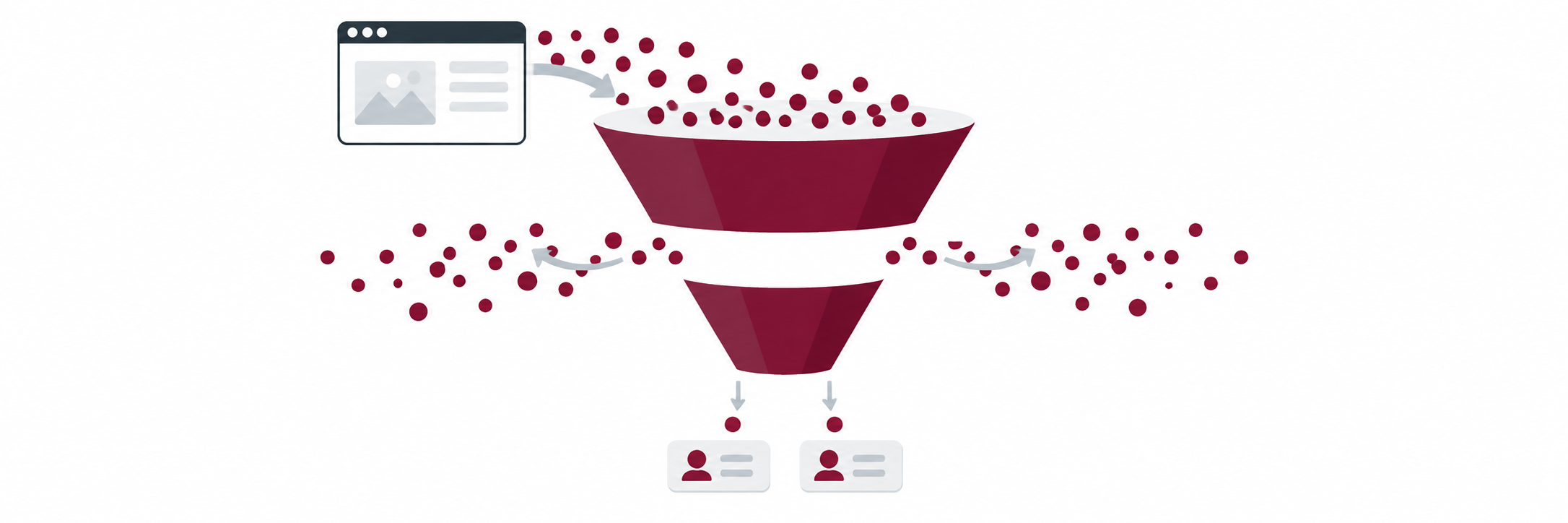
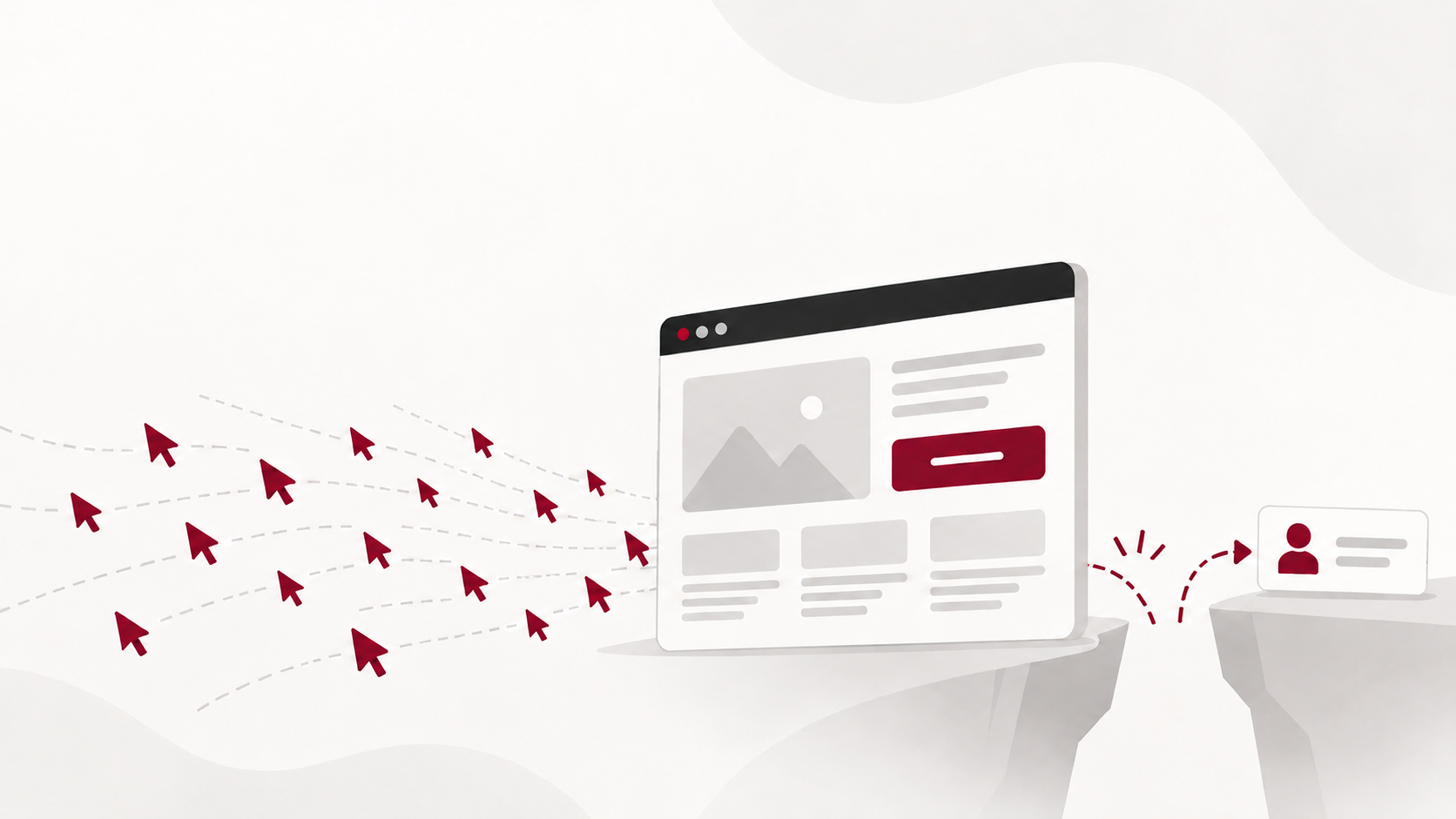
It's a familiar monthly ritual. You open the website report, and the numbers look healthy: sessions are up, a few blog posts are pulling steady search traffic, and the paid campaign is delivering clicks. Then you look at your inbox and your CRM, and the picture changes. A handful of form fills. Two of them are job applicants. One is a vendor pitching SEO services. Maybe one is a business that could actually buy from you.
The instinct is to conclude that you need more visitors. But a visit and a useful conversion are two very different things, and the gap between them is often where the real problem sits.
That doesn't mean every visitor should become a lead. Plenty of people arrive to read one article, check your address or compare you with a competitor, and that's fine. The question isn't "why isn't everyone converting?" It's "are the right people, on the right pages, being given a reason to take the next step?"
As a small business owner, you’ve spent plenty of money building an attractive website, optimizing it for SEO, and paying for search ads. Your website traffic is up and you feel great about yourself. That is until your sales manager asks why the leads you’re passing on are so bad. Half are students, others are job seekers, and the rest are vendors pitching you their products. What are you doing wrong?
You promise your sales manager you’ll increase your ad budget and write a dozen new blog posts. But he just shakes his head and walks out of your office. What did you do wrong?
Why people visit, and what makes them act
Let’s step back and look at why people visit websites in the first place. The number one reason is to find information or solve a problem.
Research on online behavior points to five common motivations: to learn, to evaluate, to act, to connect and to be entertained. This isn't a ranking by how often each happens. It's a reminder that the same page can attract very different intentions.
| Reason for visiting | What visitors want | Examples |
|---|---|---|
| 1. Find information or solve a problem | Get an answer, understand a topic or learn how to do something | Read a tutorial, troubleshoot software or check business hours |
| 2. Research and compare options | Evaluate alternatives before deciding | Compare services, pricing, features, reviews or providers |
| 3. Buy something or complete a task | Take an action that meets an immediate need | Purchase a product, book an appointment, register or download a resource |
| 4. Connect with people or get help | Ask questions, get support or take part in a community | Contact a business, ask a specialist or share information |
| 5. Be entertained or inspired | Relax, explore interests or discover ideas | Watch videos, browse creative work or explore articles |
Nielsen Norman Group distinguishes gathering information, comparing and choosing, and social interaction such as asking and sharing as separate user goals. Google's intent framework similarly groups searches into wanting to know, go, do, and buy.
The first two groups matter most for demand generation. These visitors have a real need but aren't ready to buy, which is exactly why a generic "Contact us" often misses them. These visitors are usually in the early stages of their customer journey. They have a problem, lack resources, or have heard about a new app via their social circle, but they want to learn more. They’re using AI search engines to speed up the process, but humans are still making the buying decisions.
So how do you fix it?
The first step is to make sure your website content aligns with your visitor’s needs when five conditions line up:
| What drives action | What the visitor is thinking | How the page supports it |
|---|---|---|
| 1. It meets a current need | “This helps me solve my problem.” | Match the offer to the visitor’s goal |
| 2. The benefit outweighs the cost | “What I’ll get is worth my time or money.” | Explain the specific outcome and what taking part requires |
| 3. They trust the offer and know what happens next | “I feel comfortable moving forward." | Set accurate expectations with clear button labels, pricing and terms |
| 4. The action is easy to complete | “I can do this without much effort.” | Keep forms short and steps simple |
| 5. A clear prompt arrives at the right moment | “That’s the next step I want to take.” | Place a visible, specific call to action where visitors have enough information to decide |
NN/G's usability research ties engagement to perceived value, which depends on what the person is trying to accomplish, and finds that links which don't deliver what they promise erode trust. Stanford's Fogg Behavior Model explains the last two rows: action happens when motivation, ability and a prompt occur together.
What is a Lead?
Work with your sales leadership to define your ideal customer, what the sales qualification criteria are, and how far along in the sales process the lead needs to be. Determine how early in the customer cycle does the sales team want to engage with the prospect. Some sales teams want to speak with the customer right away. If your sales process is highly transactional, like the small business sales team at the telecom I previously worked at, they want to engage the prospect as soon as possible before they call their competition. If your sales process is highly technical or has a long sales cycle, they may want marketing to nurture leads via email or text outreach to further qualify them. The bottom line is that your marketing process should align with the sales process to be effective.
The steps below apply these drivers to one page at a time.
1. Check whether there is a conversion problem
Start narrow. Rather than looking at sitewide traffic, choose one high-intent page: a service page, a pricing page, or an article that attracts people actively trying to solve a problem you handle. For that page, pull three numbers over the same period:
- Visits to the page
- Clicks on the main call to action
- Completed forms or bookings that came from it
If you’re using a general contact us form for all website inquiries, there’s a good chance you will generate a lot of unqualified lead forms. Create forms for specific purposes. Have one form for job inquiries and integrate it with your applicant tracking system (ATS). If you have vendors or general inquiries from the public or press, have a general comments form.
Your lead gen form should integrate with your customer relationship management software (CRM) and be categorized as a lead in your system.
Next, compare the page against your own baseline, not someone else's. It's tempting to search for an "average conversion rate" and measure yourself against it, but universal benchmarks mix industries, price points and traffic sources that have little in common with yours. Your previous quarter, or a similar page on your own site, is a far more useful reference.
2. Match the offer to the visitor's immediate need
Most business websites end every page the same way: "Contact us." It's simple, and for some visitors it's exactly right. But for many, it asks for too much, too soon.
Think about what a contact request really means to someone who has just finished reading an article. They have to explain their situation to a stranger, wait for a reply, and probably sit through a sales conversation they aren't ready for. Most people who are still working out what's wrong won't take that step, even if they're a good fit.
A better approach is to offer one next step that fits what the visitor was just reading. Someone reading an article about disappointing HubSpot results, for example, is looking for a solution to their demand generation problem. A free HubSpot assessment answers that question directly. It's relevant, and it provides useful information.
Once you've chosen the offer, keep the promise consistent from start to finish. The headline, the call to action and the page the visitor lands on should all describe the same thing in the same terms. If the button says "Get your free assessment" and the next page says "Request a consultation," the visitor has to stop and wonder what they've signed up for, and many won't continue.
This doesn't mean removing the direct route. Some visitors arrive already knowing they want to talk to you. Keep a visible contact or booking option for them, and let the tailored offer serve everyone who isn't quite there yet.
3. Remove friction from that one conversion path
With a relevant offer in place, look at how easy it is to take. Focus on this single path rather than trying to fix the whole site at once.
- Make the primary call to action easy to find. It should be visible without hunting, and it shouldn't compete with other buttons.
- Explain what happens next. Will they get a report by email? A call within two business days? A short questionnaire? Uncertainty is a quiet reason people abandon forms.
- Ask only for what you need at this stage. If an assessment only requires a name, email and website, don't ask for budget, company size and phone number as well. You can learn the rest later.
- Test it on your phone. Fill in the form yourself on a mobile device. Check that fields are easy to tap, error messages make sense, and the confirmation page or email arrives and tells the visitor what to expect.
4. Make one change and measure it
Resist the urge to overhaul everything. Use A/B testing to test the offer or the call to action.
Before it goes live, test the complete journey yourself: click the button, fill in the form, check the confirmation, and make sure the submission reaches the right person in your CRM. A broken notification or a missing follow-up email can quietly undo a good offer.
When you review the results, look at two things together:
- Volume. Are more of the right visitors completing the action, measured against your own baseline for that page?
- Relevance. Are the new submissions from people you could realistically help, or has a lower-commitment offer attracted more of the wrong audience?
Ten relevant inquiries are worth more than thirty that waste your team's time.
Only once this path is working, with a clear offer, low friction and leads worth following up, does it make sense to spend more on traffic. Sending more visitors to a page that doesn't convert simply makes the same problem more expensive.
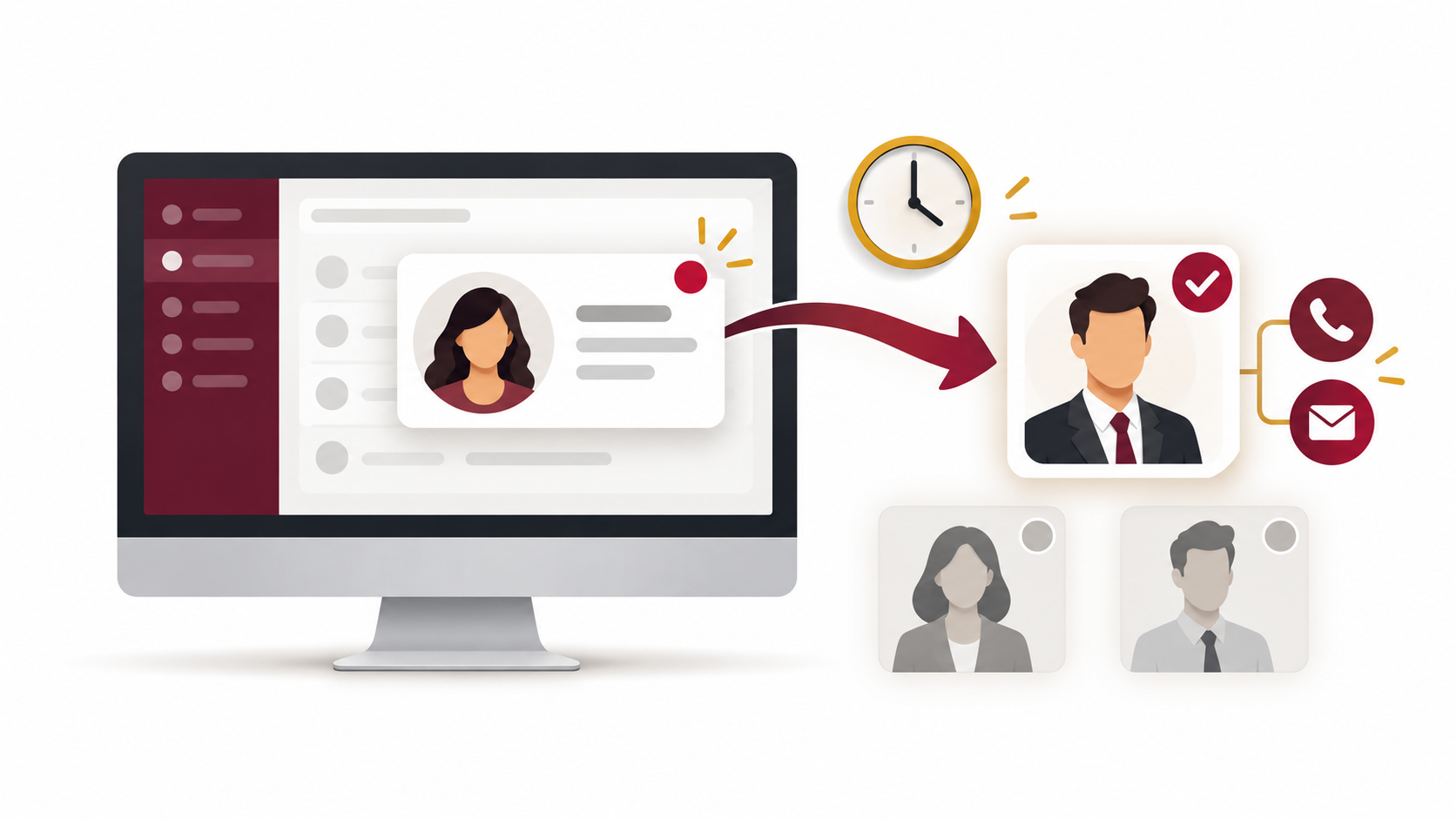
And converting the visitor is only the start. For what should happen once someone becomes a lead, read What should happen after a visitor becomes a lead [link to article 3].
Not sure where your demand-generation process is breaking down? Take Allyance Marketing's free HubSpot performance assessment to see where to focus.